For Blackmagic Camera shooters

Free is hard to argue with. So we won't.

Blackmagic Camera is a serious, free pro camera built to feed DaVinci Resolve and Blackmagic Cloud. If that's your workflow, it may be all you need. Tournage is the other kind of camera: $19.99 once, no account, no cloud, built around a crash-safe engine and a finished look library that protects skin. Here is where each one earns its place.

$19.99 · once No account, no cloud Crash-safe recording 18 looks · skin protected 4K Apple Log ProRes
Side by side

Two honest cameras. Different jobs.

Both shoot 4K Apple Log ProRes with full manual control and real scopes. The split is what happens around the recording: how a take survives trouble, how a look treats a face, and how much system you want wrapped around the camera.

TournageBlackmagic Camera
Price$19.99 — once. Everything included.Free. No ads, no subscription.
Account & cloudNone, ever. Fully offline; takes go to Photos.Works without one; optional Blackmagic Cloud sign-in for upload and Resolve collaboration
Crash-safe recordingEvery take, automatically. App killed, battery dead — the clip survives to the last frame and is recovered at next launch.Not an advertised feature
4K Apple Log ProResYes. The native pipeline on iPhone 15 Pro and newer.Yes. ProRes and Apple Log on supported iPhones, plus H.264/H.265
Built-in looks18 signature grades for Apple Log, each with a MIX intensity dial and skin-tone protection so faces stay natural under any look.LUT preview and record; bring your own grades
Custom LUT importIncluded. Drop .cube files in the Files app; same skin protection applies.Yes. 3D LUT support
Manual cine controlsYes. Shutter in degrees (1/x shown), ISO, Kelvin WB with a cool-to-warm dial, focus with A/B marks and timed pulls, EV compensation on auto, smooth exposure ramps.Yes. A full manual toolset
MonitoringYes. False color calibrated to the sensor's real clipping point with a pink skin band, zebras, peaking, RGB histogram, horizon level, framing guides.Yes. False color, zebra, focus assist, histogram, frame guides
AudioTrue stereo from the built-in mics, dBFS meters with a −12 target and peak hold, gain dial, auto-switch to external mics.Yes. Meters, external mic support
Vertical videoDedicated vertical layout recording true upright 4K (2160×3840).Supported
AnamorphicDesqueeze preview 1.33× / 1.55×, file tagged for automatic desqueeze in editors.Yes. Desqueeze options
Finishing touchesHalation (film-style highlight bloom), look intensity hold, per-look exposure matching.—
Clip reviewLast take, one tap, played back in the app.Yes. Media library with playback
AndroidNo — iPhone only, by design.Yes. iOS and Android
Learning curveOpen it and shoot. One screen, no projects, no media management.Richer system: projects, cloud, Resolve hand-off

Comparison reflects publicly available information as of October 2026. Features change — verify current details with each vendor before deciding. Blackmagic Camera, Blackmagic Cloud and DaVinci Resolve are trademarks of Blackmagic Design Pty. Ltd.; Tournage is not affiliated with or endorsed by Blackmagic Design.

The Pledge

The difference shows when something goes wrong.

On a good day, both apps give you a beautiful file. Tournage is built for the other day: a crash, a dead battery, a phone call — mid-take, on the shot you can't redo. Footage is written in a continuously finalized format from the first frame, so the recording survives anything. We kill the app mid-take on purpose, routinely, to prove it:

Roll a take

4K Apple Log ProRes, writing crash-safe from the first frame.

Kill it mid-take

Force-quit, battery pull, hard crash — the worst case, on purpose.

Reopen Tournage

The take is found instantly and offered for recovery — playable to the last recorded frame.

Saved to Photos

One tap. The shot that would have been gone is in your library.

Finished, not just loaded

Looks that know where the face is.

Loading a LUT is easy; a LUT that keeps a face natural while it grades the rest of the frame is not. Every Tournage look runs with skin-tone protection — skin keeps its own color at the look's brightness and mood — and a MIX dial from a hint to full strength. Record flat Log, or bake the look in. See all eighteen →

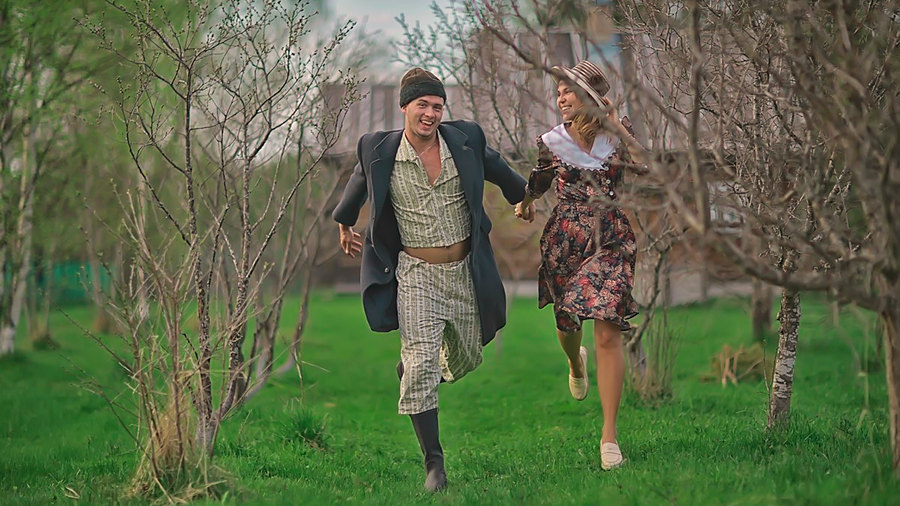
Soleil look — golden sun-warmed grade
Soleilgolden, sun-warmed
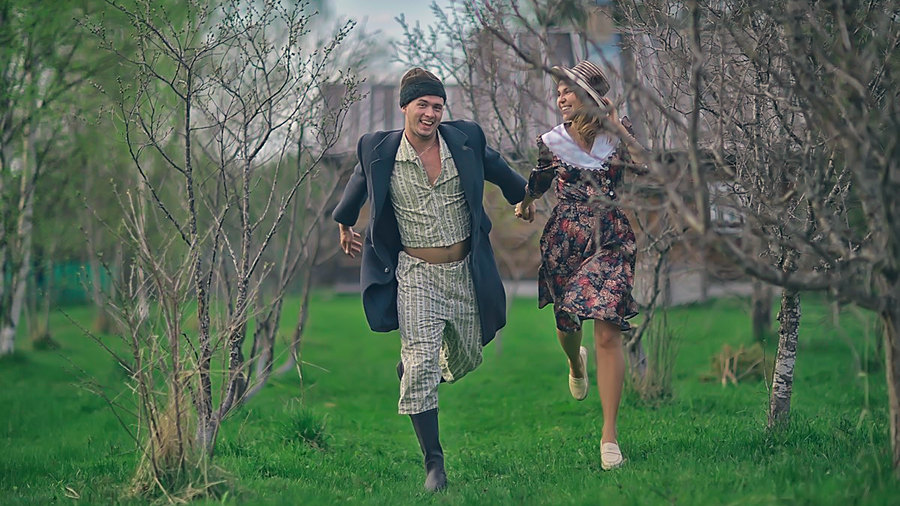
Azur look — teal and orange grade
Azurteal & orange
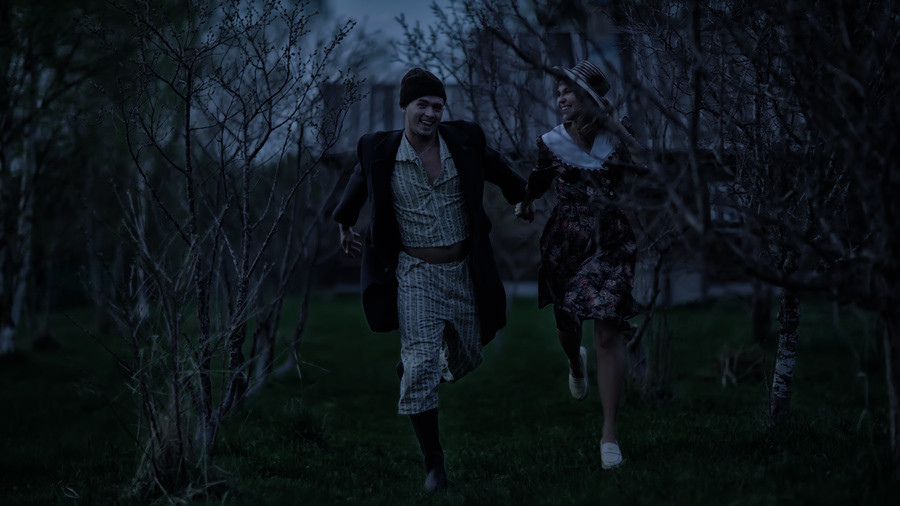
Minuit look — moonlit day-for-night
Minuitmoonlit day-for-night
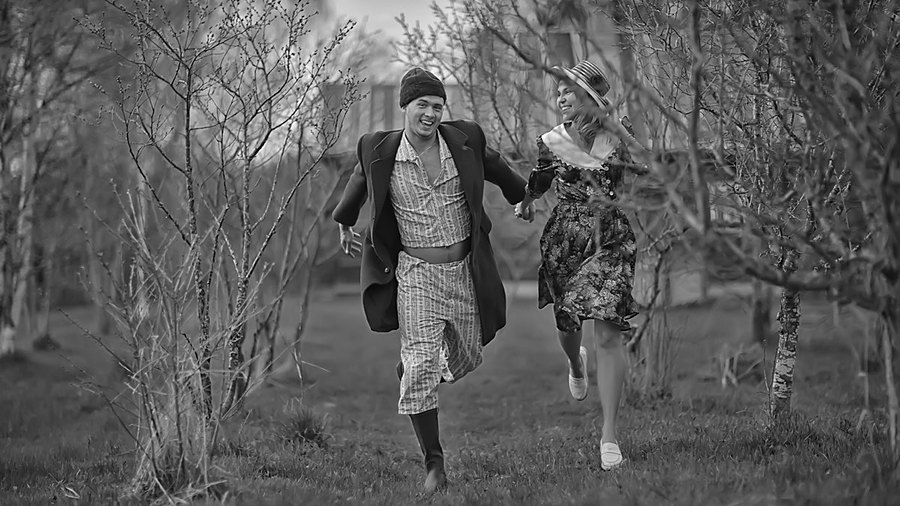
Noir look — high-contrast black and white
Noirfilm noir B&W
In fairness

When Blackmagic Camera is the better choice.

An honest comparison cuts both ways. Pick Blackmagic Camera if any of these describe you:

You live in Resolve

Blackmagic Camera is designed as the front end of DaVinci Resolve and Blackmagic Cloud: projects, proxies, collaboration. If that pipeline is your daily work, the integration is worth more than any single camera feature.

You shoot on Android too

Blackmagic Camera runs on iOS and Android. Tournage is iPhone only, built natively on Apple's capture stack — Apple Log, ProRes, the real optical lenses — and that focus is where its reliability comes from.

Free is the budget

Then use it, happily. Tournage asks $19.99 for a crash-safe engine, a finished look library and a camera with nothing wrapped around it. If you don't need those, you don't need to pay for them.

Questions

Blackmagic Camera vs Tournage, answered.

Is Blackmagic Camera free?
Yes. Blackmagic Camera is free, with no ads and no subscription, made by Blackmagic Design as a companion to DaVinci Resolve and Blackmagic Cloud. If free and that ecosystem are what you want, use it — it's excellent.
Why pay $19.99 for Tournage when Blackmagic Camera is free?
For three things Blackmagic Camera doesn't set out to do: a crash-safe recording engine that survives a force-quit, a dead battery or a crash and recovers the take at next launch; a finished library of 18 looks with skin-tone protection and adjustable intensity, so faces stay natural under any grade; and a deliberately simple camera with no account, no cloud and no project management — your footage goes to Photos, full stop.
Can I use both?
Of course. Many shooters keep Blackmagic Camera for Resolve-centric jobs and Tournage for the takes they cannot afford to lose, or for a finished look straight out of camera. Both record 4K Apple Log ProRes on iPhone 15 Pro and newer, so the footage cuts together.
Does Tournage work with DaVinci Resolve?
Yes. Tournage records standard 4K Apple Log ProRes 422 files that Resolve reads natively, with Apple Log color management available in Resolve's color space transform. There's no proprietary wrapper and no cloud step — AirDrop or cable the files over and grade.
Does Tournage need an account or a cloud?
Never. Tournage works entirely offline, has no sign-in, collects no data, and saves every take to your Photos library. Blackmagic Camera works without an account too; signing in to Blackmagic Cloud is optional and unlocks its cloud and Resolve collaboration features.
What does crash-safe recording actually mean?
Tournage writes every take in a continuously finalized format from the first frame, so the clip is playable up to the last recorded frame no matter how the recording ends — app killed, phone shut off, battery dead. On next launch, the take is found and offered for saving to Photos. It is the core of the app, not a setting.
Never miss the moment

The quiet camera that never loses a take.

$19.99. Once. Every feature, every look, every update. Also compare: Tournage vs FiLMiC Pro →

Get Tournage